
Sales Tax Calculator
Add tax, remove included tax or find the rate from two prices. Results update as you type. Build a basket with different rates and see the full calculation without opening extra panels.
Try a useful example
Currency changes formatting, not exchange rates. Calculations use unrounded values; invoice rounding can differ from the displayed totals.
Add tax to a price
The discount reduces the entered price before tax is calculated. Quantity may be fractional. This is an arithmetic assumption, not a rule for every type of coupon or transaction.
Your tax breakdown
The rate is based on the before-tax amount. The tax share uses the after-tax total, so these percentages are different.
Symbols: P is the entered unit price, Q is quantity, d is discount percentage, r is tax percentage, N is the before-tax total, T is tax, and G is the tax-inclusive total.
Remove tax from a tax-inclusive price
Tax included in a price is removed by dividing by one plus the rate, not by subtracting that percentage from the gross price. The discount reduces the entered tax-inclusive price.
Your tax breakdown
The rate is based on the before-tax amount. The tax share uses the after-tax total, so these percentages are different.
Symbols: P is the entered unit price, Q is quantity, d is discount percentage, r is tax percentage, N is the before-tax total, T is tax, and G is the tax-inclusive total.
Find the tax rate from two prices
Both amounts must describe the same purchase. Enter a positive before-tax amount and an after-tax amount that is not smaller. This finds a rate from prices; it does not identify a legally applicable tax rate.
Your tax breakdown
The rate is based on the before-tax amount. The tax share uses the after-tax total, so these percentages are different.
Symbols: P is the entered unit price, Q is quantity, d is discount percentage, r is tax percentage, N is the before-tax total, T is tax, and G is the tax-inclusive total.
Your tax breakdown
All three calculators remain visible. Editing one switches the charts to that calculation; you can also choose the chart source here. The basket has its own separate totals.
What makes up the total?
The blue portion is the amount before tax; the orange portion is tax. This shows the composition of the payable total, not how collected tax is spent.
Compare the same purchase at different rates
This comparison keeps the discounted before-tax amount unchanged. It is not a forecast of tax changes, and the rates are examples rather than jurisdiction-specific advice.
Build a multi-product basket
Each product has its own price basis, quantity, discount and rate. An exempt item is calculated with no tax, but exemption eligibility must be checked separately. Delivery has its own price basis and rate; it is not discounted with products.
Basket totals
This is a calculation estimate, not an invoice or a tax return. It does not determine exemptions, place of supply, tax registration duties or tax deduction rights. Zero-rated and exempt transactions are not legally interchangeable.
Product-by-product breakdown
Totals by tax rate
Follow the complete calculation
Delivery charge
Choose a rate deliberately
EU standard VAT rate reference
These are standard reference rates, not all reduced or special rates. Product categories, special territories and transaction rules can change the applicable rate. Check the official source before use. No country is selected from your language or location.
Official source · Checked for this page: October 3, 2026 · Source page last checked: July 13, 2026
| EU country | Standard VAT rate (%) |
|---|---|
| Austria | 20% |
| Belgium | 21% |
| Bulgaria | 20% |
| Croatia | 25% |
| Cyprus | 19% |
| Czechia | 21% |
| Denmark | 25% |
| Estonia | 24% |
| Finland | 25.5% |
| France | 20% |
| Germany | 19% |
| Greece | 24% |
| Hungary | 27% |
| Ireland | 23% |
| Italy | 22% |
| Latvia | 21% |
| Lithuania | 21% |
| Luxembourg | 17% |
| Malta | 18% |
| Netherlands | 21% |
| Poland | 23% |
| Portugal | 23% |
| Romania | 21% |
| Slovakia | 23% |
| Slovenia | 22% |
| Spain | 21% |
| Sweden | 25% |
Combine entered state and local rates
Enter rates verified for the purchase location and product. This adds rates applied to the same before-tax base; it does not calculate tax-on-tax. It is not an address lookup and does not select a state or local rate automatically.
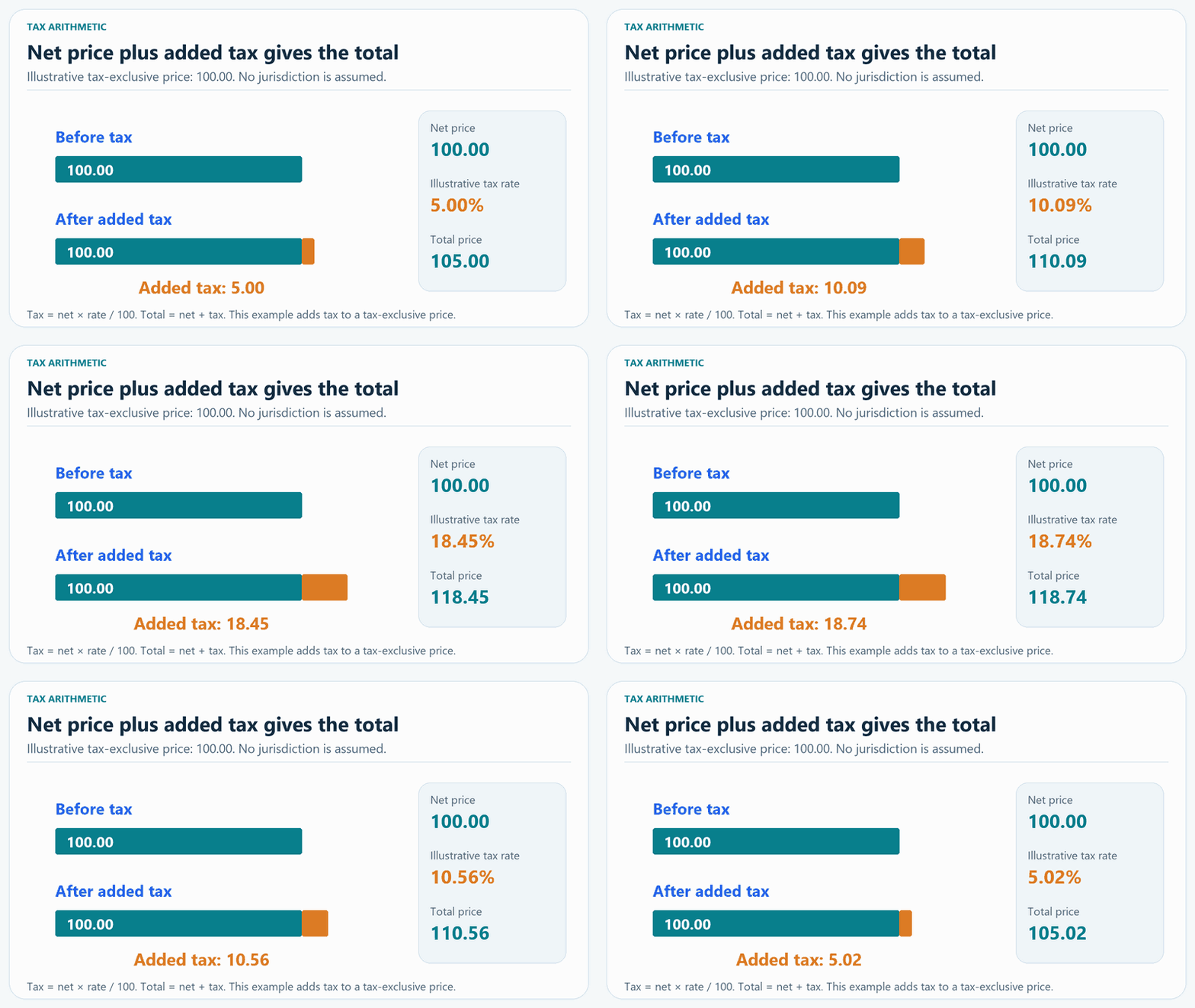
Add tax to a tax-exclusive price
Why removing tax needs a different formula
At a rate of 20%, a before-tax price of 100 has tax of 20 and a tax-inclusive price of 120. To recover the before-tax price, divide 120 by 1.20: the result is 100, not 96. The tax is 20% of the before-tax price, but about 16.67% of the tax-inclusive price.
Sales tax and VAT calculation questions
Can this calculate both sales tax and VAT?
It performs the arithmetic for a percentage applied to a before-tax amount or already included in a price. Sales tax and VAT have different legal systems; the calculator does not decide which rules apply.
Why is tax not the same percentage of the final price?
The tax rate is applied to the price before tax. The final price includes both that price and tax, so tax is a smaller share of the final total.
Can products have different tax rates?
Yes. Each basket row has an independent rate and price basis. Delivery also has a separate rate. The totals are grouped by the rate used.
Are the reference rates always the correct rates for my purchase?
No. The EU table contains standard reference rates only, with a source and checking date. Reduced rates, exemptions, special territories and transaction conditions must be verified. The state/local helper uses only the rates you enter.
Are discounts and delivery always taxed this way?
No. This model discounts the entered product price and then calculates its tax. Delivery is calculated separately at its entered rate. Coupon types and local rules can require different treatment.
Why might an invoice differ by a small amount?
This calculator keeps unrounded values until display. Real invoices may round each unit, line or tax group separately. Such rounding can create small differences.
Calculations run in your browser. This calculator does not submit entered prices or product names to a server.