
Lang
Interactive paint, primer and cost planner
Paint Coverage Calculator
Estimate paint for rooms, ceilings or custom surfaces. Subtract doors and windows, adjust for surface texture, compare purchase scenarios and build a practical shopping list.
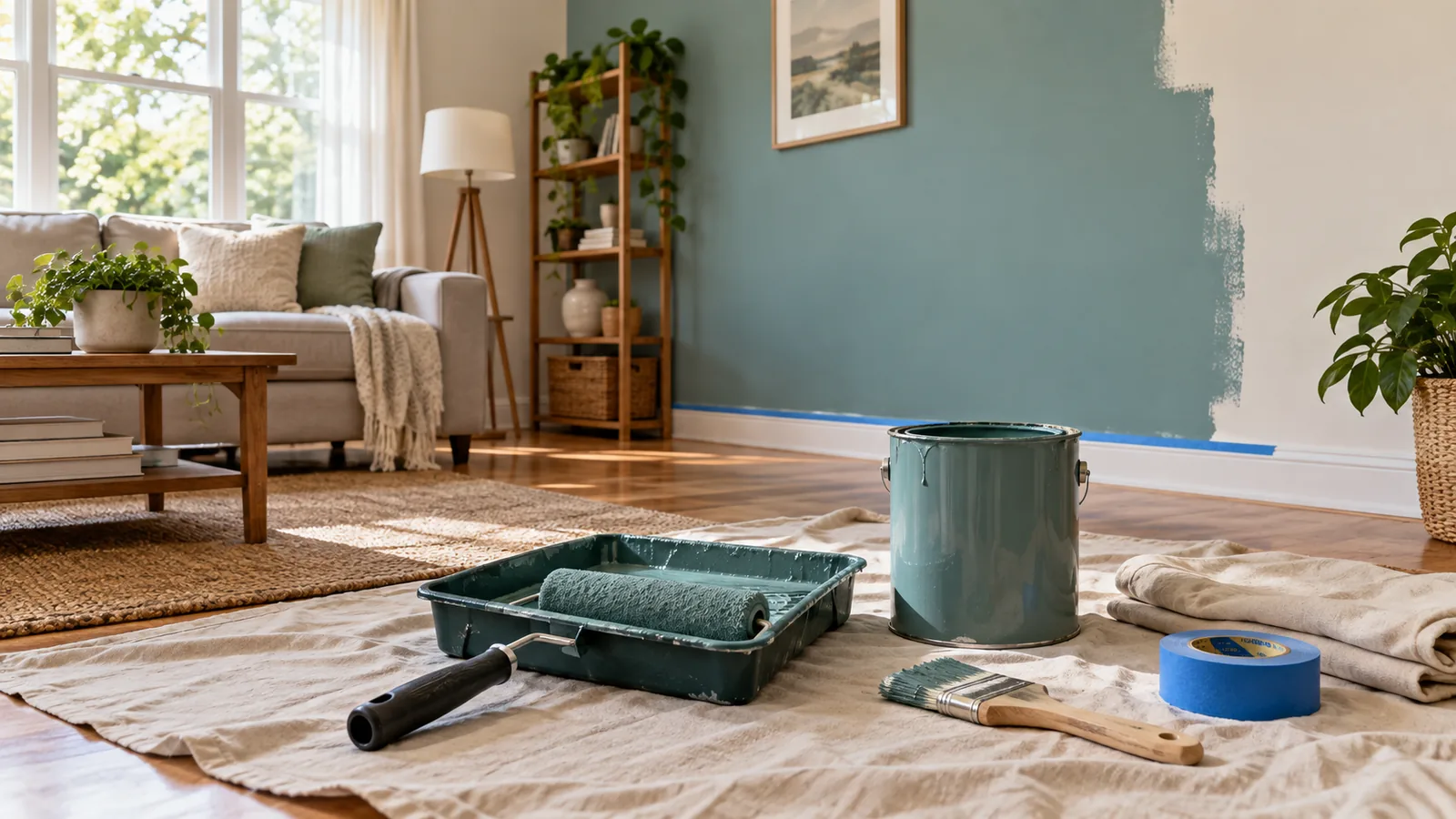
Plan your painting project
Enter the real dimensions of the surfaces you will paint. The room preview, quantities and costs update when you calculate.
Complete paint estimate
Your painting project
Recommended paint to buy– gal
Estimated project cost–Add prices to calculate a project cost.
Gross surface area–
Doors and windows–
Net area to paint–
Area including all coats–
Expected paint volume–
Primer volume–
Estimated paint left over–
Surface coverage factor–
Live room preview
The preview is a visual planning aid. Use the colour picker to compare the painted wall with the existing surface.
Purchase range
Coverage varies with paint, tools, colour change and surface condition. The safe amount adds a ten percent reserve to the expected estimate.
Optimistic minimum–
Expected amount–
Safer purchase–
Gross surface area–
Doors and windows–
Net area to paint–
Paint shopping list
Container quantities are rounded up to cover the selected scenario and therefore may leave a usable remainder.
| Item | Quantity | Suggested containers | Subtotal |
|---|
Estimated project cost–
Prices are planning estimates only and exclude tax, delivery, repairs, scaffolding and specialist preparation unless entered above.
Recent paint estimates
How the paint calculation works
The calculator separates measured area, openings, coats, practical coverage and purchasing sizes so you can see where every quantity comes from.
Room wall area
Two times room length plus two times room width, multiplied by wall height.
Net paintable area
Gross wall and ceiling area minus doors, windows and any other excluded area.
Paint volume
Net area multiplied by the number of coats and extra allowance, then divided by the adjusted coverage rate.
Container plan
Common container sizes are combined to meet or exceed the safer purchase volume with as little leftover paint as practical.
Painting project checklist
- Measure every wall and ceiling at least twice before buying paint.
- Check the product label for coverage, drying time, recoat time and suitable surfaces.
- Use primer on bare, porous, repaired or stained areas when the coating system requires it.
- Keep enough paint from the same batch for the final coat and future touch-ups.
- Prepare, clean and repair the surface before painting; poor preparation cannot be fixed by extra paint.
- Confirm ventilation, protective equipment and safe access for high or exterior work.
Why surface type changes paint coverage
Smooth sealed walls normally use less paint than rough, porous or bare materials. Brick, stucco, concrete and unfinished wood can absorb paint and create more roller or brush loss. Treat this calculator as a purchasing estimate and follow the chosen coating manufacturer’s instructions.
Paint Coverage Calculator FAQ
How much paint do I need for one room?
Measure the room perimeter and height, subtract doors and windows, include the ceiling if needed, then multiply by the number of coats. The calculator performs these steps and converts the result into litres or US gallons.
Should I subtract doors and windows?
Yes, for a more accurate estimate. Very small openings can be left in the allowance, but several large windows or doors can noticeably reduce the paint required.
How many coats of paint should I plan?
Two finish coats are common, but colour change, paint quality, sheen and the existing surface can change the requirement. Follow the product instructions and inspect coverage after each coat.
Do I need primer?
Primer is commonly recommended for new drywall, bare wood, masonry, repairs, stains and major colour changes. Use a primer compatible with the surface and finish paint.
Why does rough material need more paint?
Texture and porosity increase the real surface area and trap coating in recesses, reducing the practical coverage achieved by each litre or gallon.
What coverage rate should I enter?
Use the rate on your exact paint product. If a range is shown, use the lower coverage for a safer purchase estimate, especially on a porous or textured surface.
How much extra paint should I buy?
Five to ten percent is a useful allowance for many simple interior jobs. Complicated shapes, rough surfaces, spraying and future touch-ups may justify more.
Can I calculate ceilings or exterior walls?
Yes. Select the room ceiling option or use custom surfaces to add any rectangular ceiling, wall, fence face or exterior section separately.
Why might the store quantity differ?
Paint is sold in fixed container sizes and real coverage varies. The suggested container plan rounds up to a practical combination, so some usable paint may remain.
Does the cost estimate include labour?
It includes labour, supplies, paint and primer only when you enter those rates. Tax, delivery, repairs and specialist access remain separate unless included in your values.